Quick start
gpumanager install-systemd
gpumanager init
If you install with pipx, run pipx ensurepath and reload your shell once so the gpumanager command is available.
Recommended setup
1. Realtime report
Check near-realtime GPU activity every 10 minutes.
[sample]
interval = "1m"

[report]
report_time = "*/10 * * * *"
interval = "1m"
2. Daily Average report
This matches the current default-style daily setup.
[sample]
interval = "1m"

[report]
report_time = "0 9 * * *"
interval = "1d"
3. Weekly report
Send one summary per week and aggregate the last 7 days.
[sample]
interval = "1m"

[report]
report_time = "0 9 * * 1"
interval = "7d"
Troubleshooting
4. Test
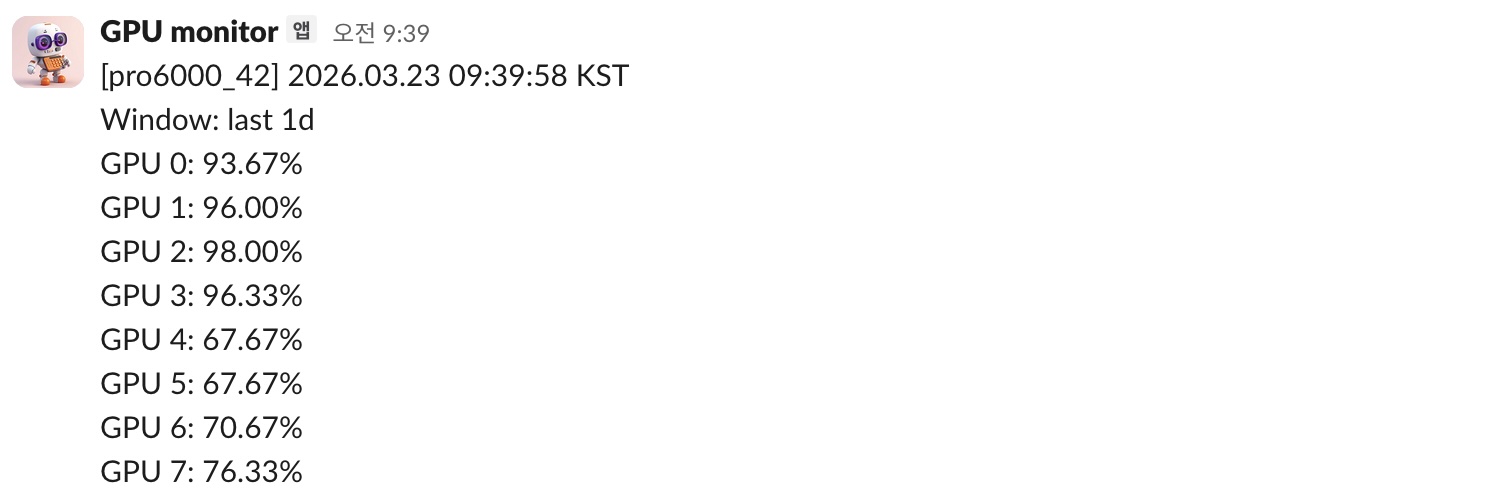
After finishing the configuration, send a test report.
gpumanager test-sample
gpumanager test-report
If the Slack message arrives normally, the setup is working.
If the message is delivered here but does not arrive at the scheduled time, gpumanager install-systemd may not have been run yet. In that case, run gpumanager status and check sample_timer_installed, report_timer_installed, sample.next_trigger, and report.next_trigger.
How to setup a Slack webhook
This section is intentionally left as a placeholder so project-specific setup steps can be added later.
gpumanager sends notifications through a Slack incoming webhook.
Official Slack guide: Sending messages using incoming webhooks